
At the start of this year, I decided to challenge myself to read more. In January and February, I managed to finish eight books and was very pleased with this newly found habit. But fast forward to March, and work became a comfortable excuse to stop reading and dismantle that habit once again.
Reading can seem like quite the chore for those who, like myself, didn’t build it into a lifelong habit from childhood. The thought of reaching for my Kindle or a hardback seems to trigger a strong dose of whatever the antithesis of dopamine is, shot directly into my brain. Reaching for my laptop (or, very recently, my PS5) consistently feels like the easier option and, when I’m away from home, reaching for my phone is practically an involuntary reflex whenever I want to kill time.
So, in my uphill struggle to read more, I’ve been experimenting with a DIY solution that ensures I always have a book within arm’s reach, making it easier to pick up a book than my phone, laptop or any other distraction. For this solution to work, I’d have to build something that would:
- Be small enough to fit in a trouser pocket – it can’t be a paperback (or even a Kindle, for that matter) because I can’t comfortably carry either in my pocket;
- Be cheap and easy to replace – just like a paperback book, I shouldn’t have to worry about it being lost or damaged;
- Be frictionless and distraction-free – it can’t simply be an app on my phone, since there’s very little stopping me from switching to a less productive app.
I present to you my solution: the e-reader wallet.
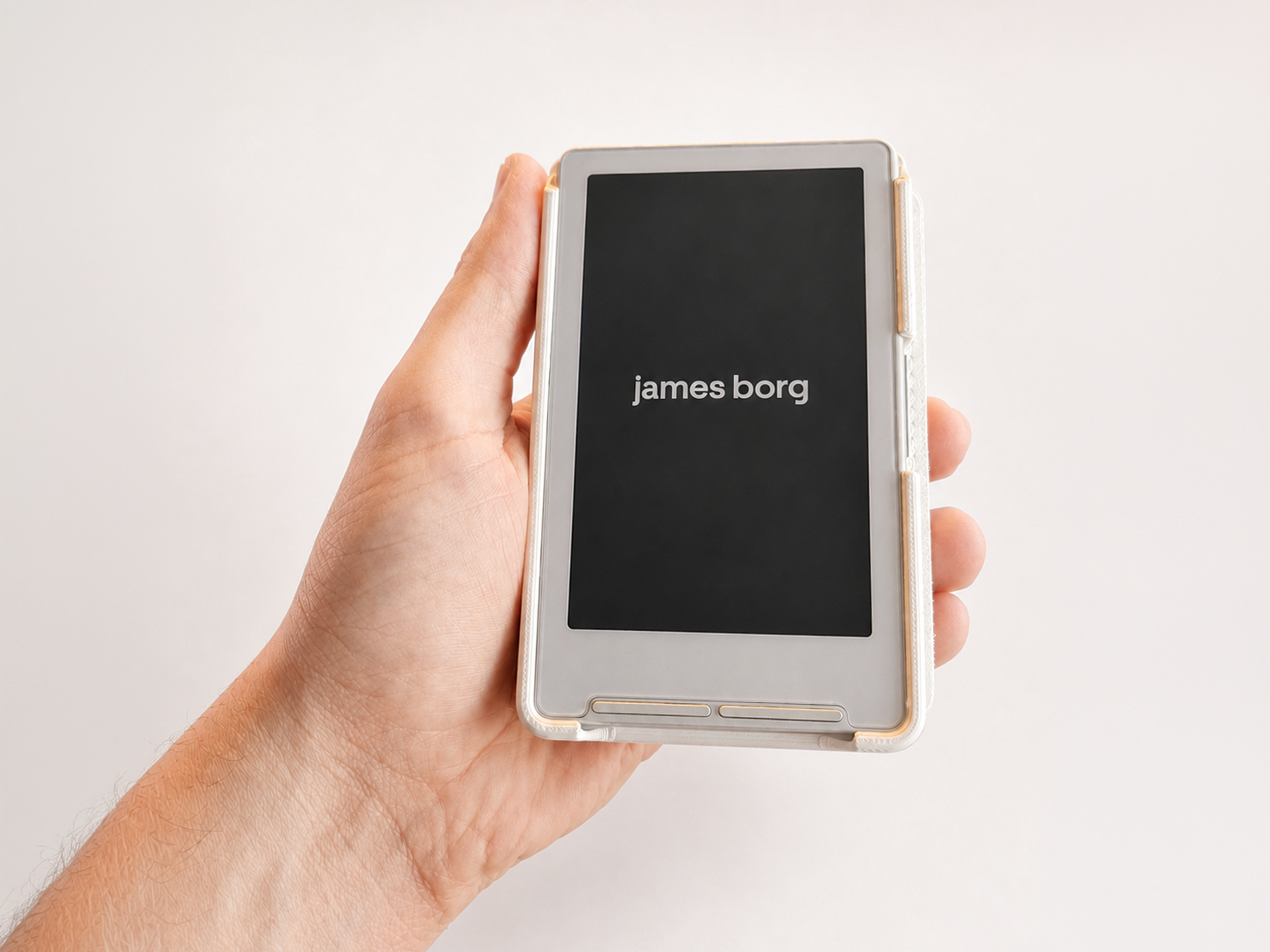
This is my current best solution for always having a book in my pocket: a 4.3-inch e-ink reader slotted into a 3D-printed case mounted onto a faux leather wallet.
The wallet comfortably holds eight bank cards and a very respectable amount of bank notes, while the XTEINK X4 can store more books on its included 16GB SD card than you could realistically read in a lifetime. Better yet, the whole package clocks in at a thickness of 2.5cm (or around an inch).
The entire project cost me around €50, including shipping the e-reader to Malta, purchasing the wallet, and 3D printing the case. At the time of writing, I suspect the project would cost you closer to €70, especially if you decide to buy the e-reader directly from the XTEINK website.
Here’s a step-by-step guide to building one of these e-reader wallets yourself:
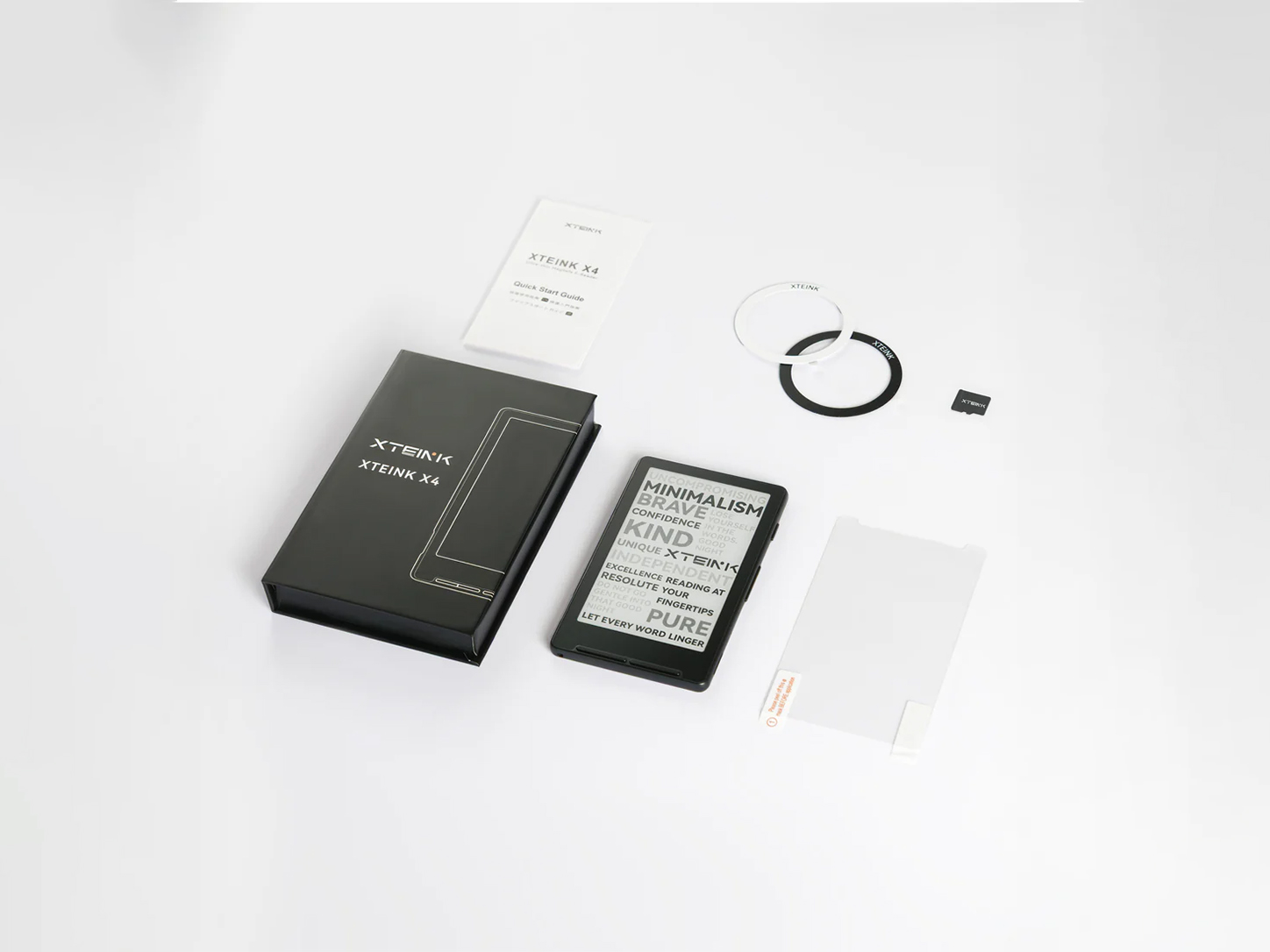
STEP 1: Purchase the XTEINK X4.
The official website frequently runs sales and, at the time of writing, the device costs around €60 with shipping to Malta included. I purchased mine from AliExpress using coupons, but had to endure a couple of order cancellations due to sellers running out of stock.
If you’re buying from a third-party seller, do so carefully, as your mileage may vary. Also keep in mind that depending on where you buy it from, you may need to unlock the device if you want to flash custom firmware (more below).
STEP 2: Purchase a slim wallet.
This is the exact wallet I bought from AliExpress, which at the time of writing costs €2.59 including shipping to Malta.
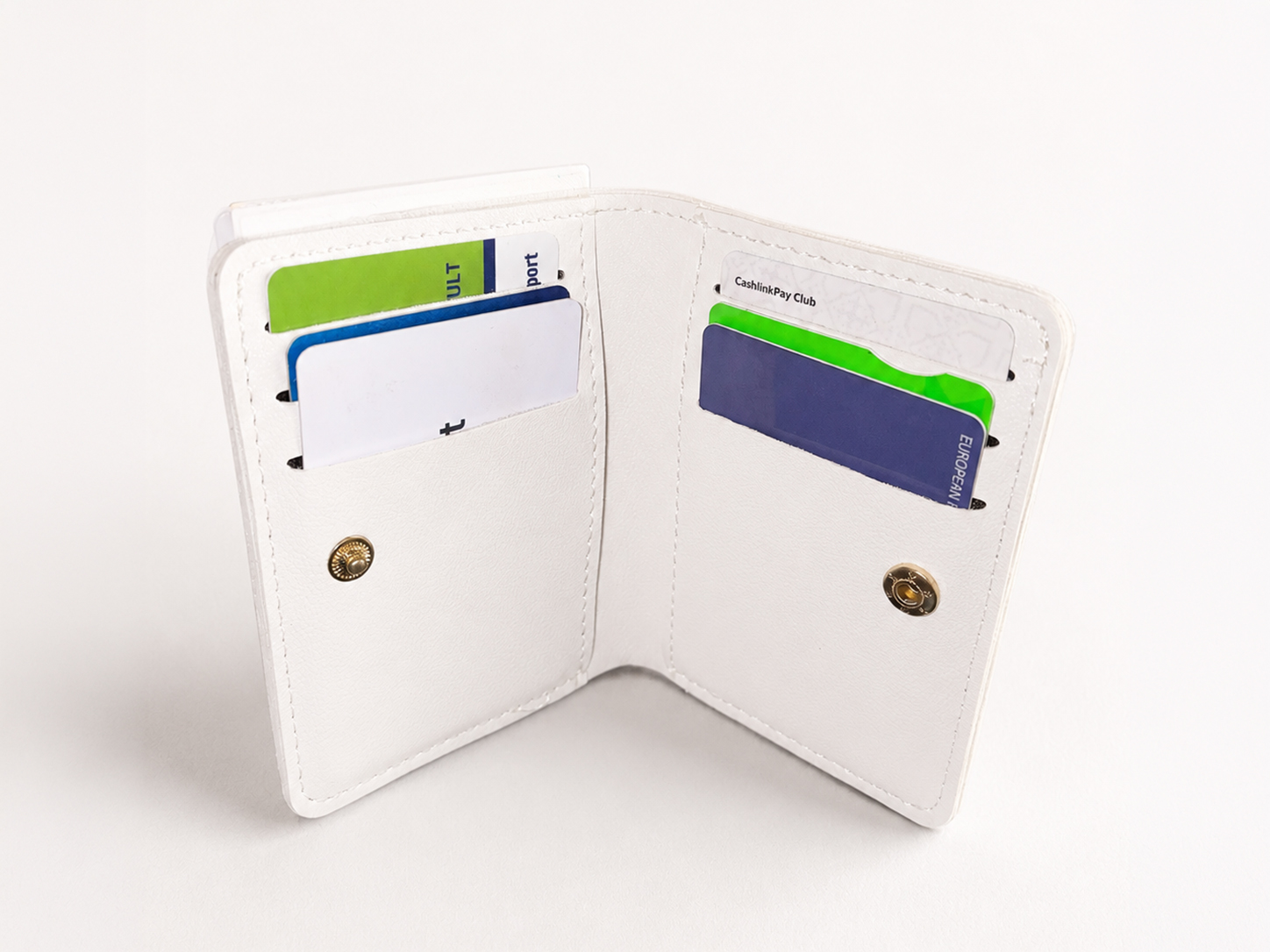
Any wallet will work, but keep in mind the dimensions of the XTEINK X4 (114mm × 69mm). I’d also recommend choosing the slimmest wallet possible to minimise bulk in your pocket (unless you’re into obnoxiously bulky wallets… you do you!).
STEP 3: 3D-print a case for your XTEINK X4.
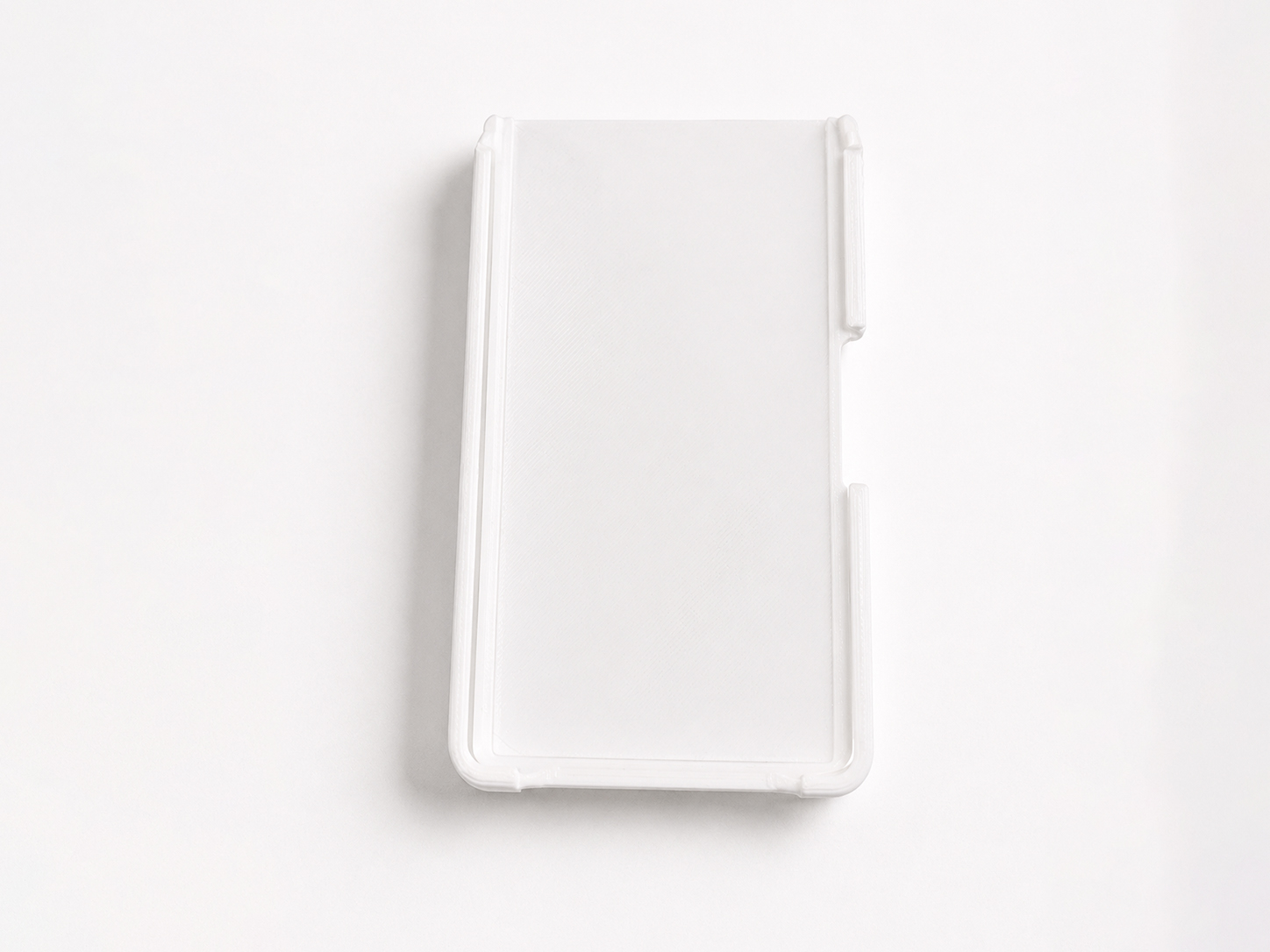
The exact model file I used can be downloaded from Makerworld.
I don’t own a 3D printer myself, so I outsourced the job to a local shop. You can get creative here with different filaments and colours, but I went with white PLA which closely matches both the wallet and the device itself.
STEP 4: Superglue the case to the wallet.
Use the strongest glue you have at your disposal and let it sit overnight with a weight placed on top. Air it out the next morning to get rid of the smell.
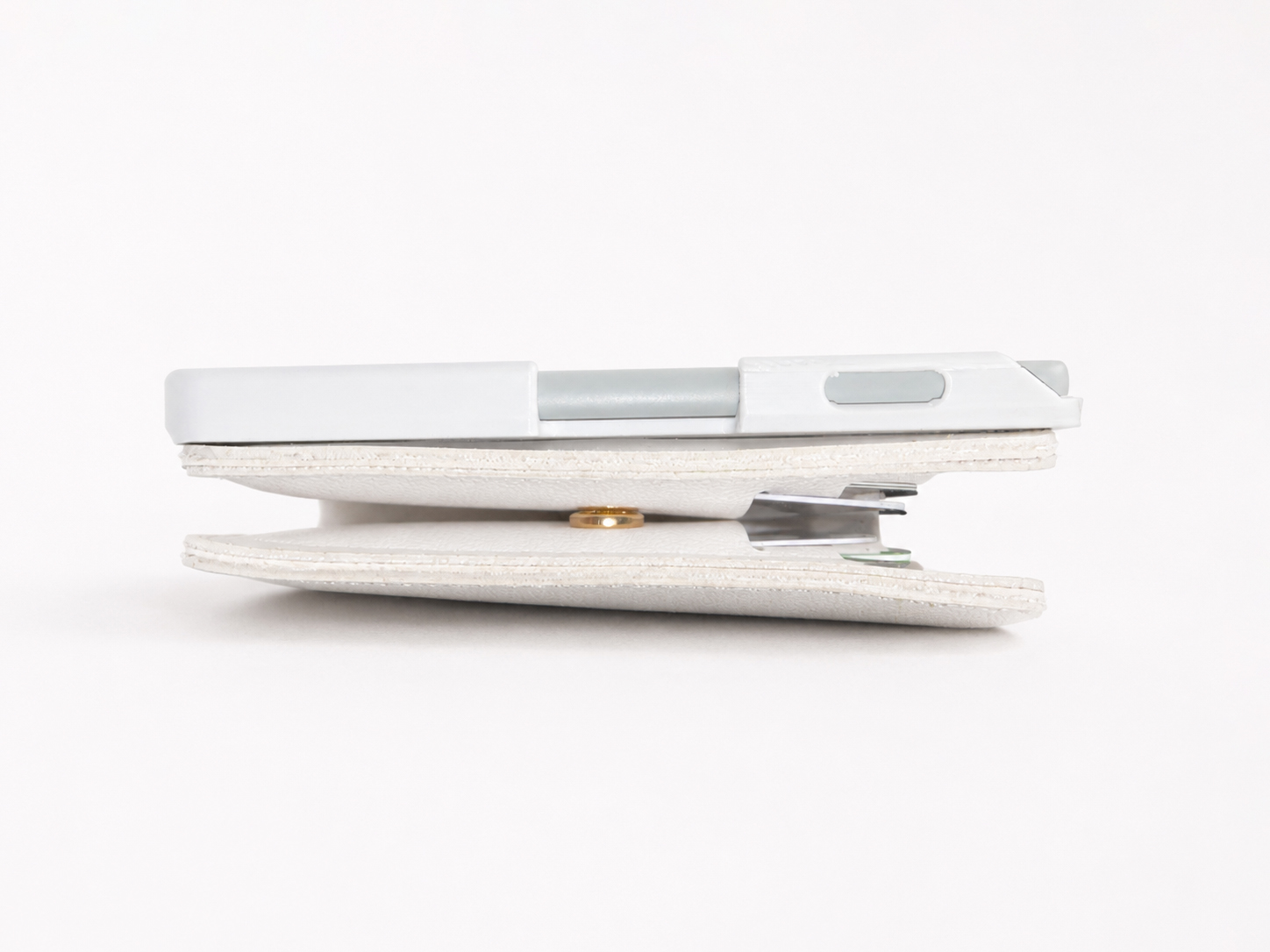
You can stop here and have a decent experience with the stock firmware. However, the XTEINK X4 has an excellent community that develops open-source firmware, and I’ve flashed Crosspoint onto mine.
Crosspoint is a custom firmware that differs from the stock experience by improving text rendering, adding language support, and allowing you to easily load books onto the device without needing a USB connection (amongst some other neat features).
STEP 5 (OPTIONAL): Install Crosspoint.
Follow this easy YouTube tutorial which explains both how to flash the firmware and how to load EPUB files onto the device (a quick Google search for “Anna’s Archive” may also prove useful here). This text guide is also excellent to go through if you’re a newbie.
My device is on an older Crosspoint 0.16.0 firmware version, because I prefer the older UI and haven’t encountered any issues so far – but feel free to install the latest version instead. Reddit’s your friend here and the r/xteinkreader and r/xteink subreddits are great places to find answers.
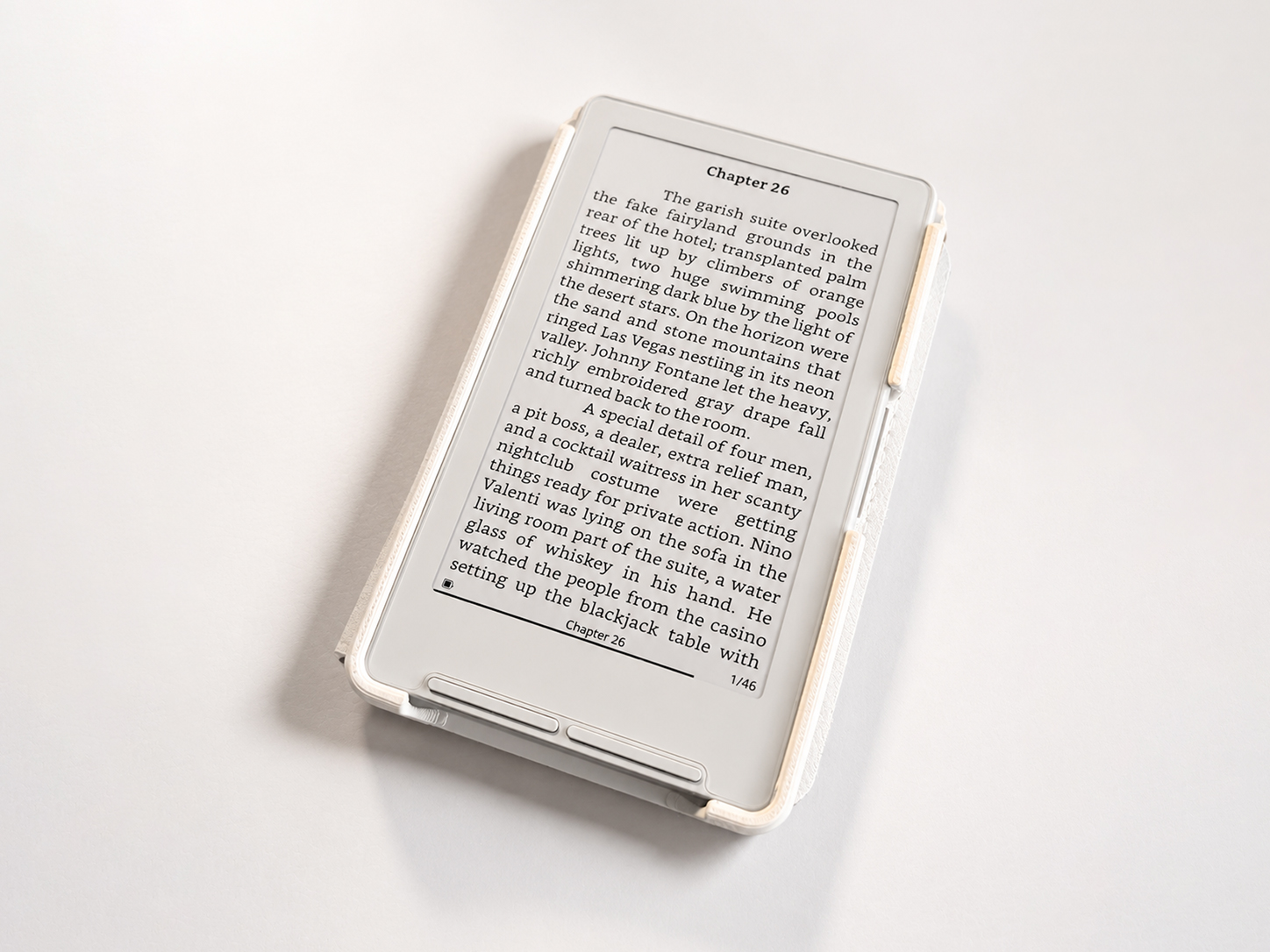
If you end up building this project (or need help building it), do get in touch and I’d love to hear all about it. Happy reading!
P.S. You can snoop on my reading habits by following my Goodreads account. I’m currently reading through Mario Puzo’s The Godfather which clocks in at around 450 pages, so if the tally is still sitting at eight books a few weeks after publishing this post, please accept the book’s gargantuan length as my official excuse. 🙂